Out now
Quill Flow,
now on Android.
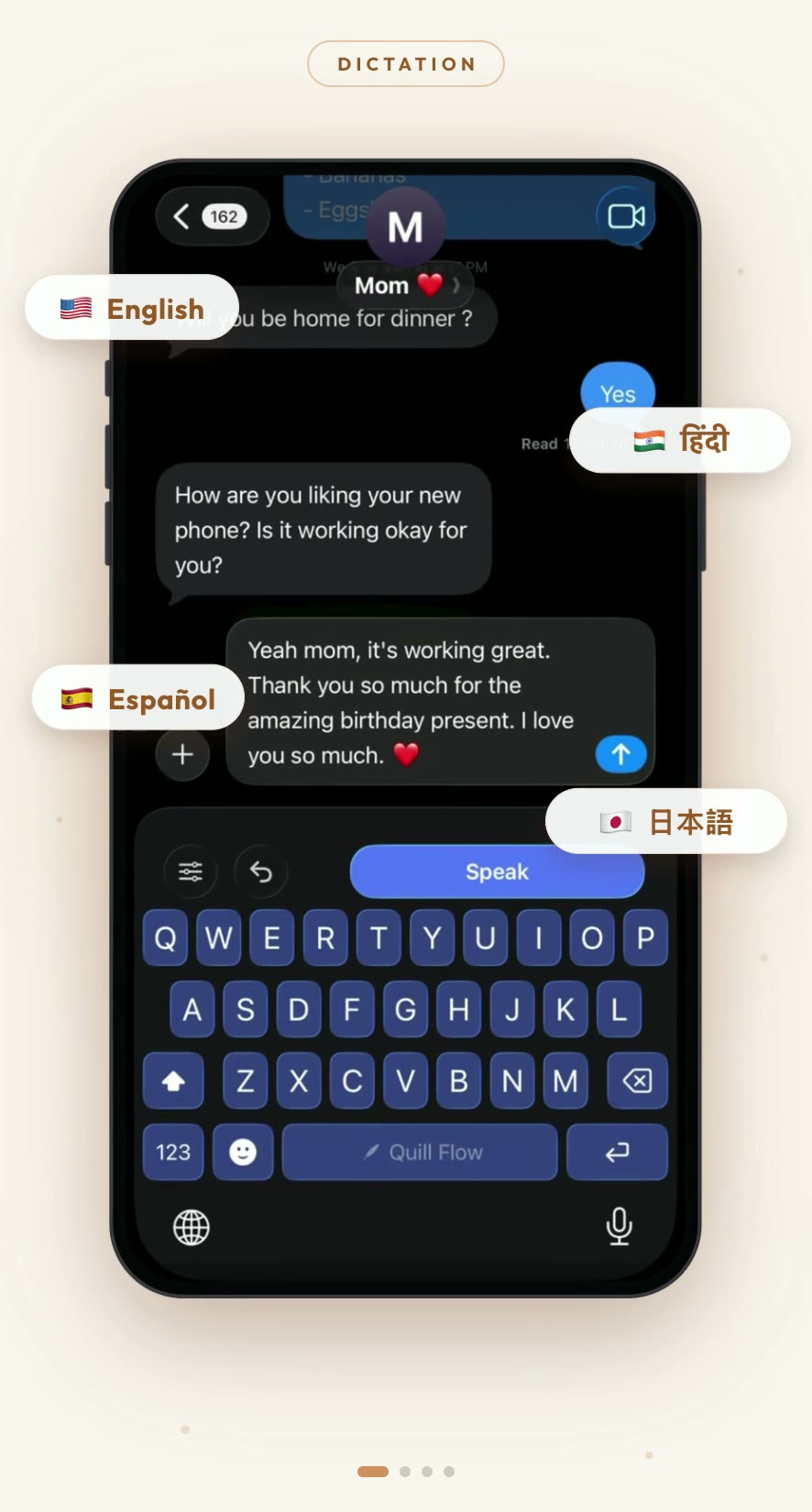
Swipe, type, or just talk. The keyboard that turns your voice into clean, formatted text in over 100 languages is on Google Play, and it is free to try.
Open this on the Android phone you will be using it on.
- Works in every app
- Swipe typing
- 100+ dictation languages
- Free to try
- Version
- 1.1.9
- Requires
- Android 10 or newer
- Price
- Free to try
What is in the app
The keyboard, not a scratchpad
A real input method that replaces your keyboard everywhere. Messages, mail, browser, whatever you already type in. Nothing to copy and paste.
Hold the mic and talk
Dictation in over 100 languages, cleaned up as it lands. Punctuation, capitalization, and the ums taken out before the text reaches the field.
Swipe typing
Drag across the letters without lifting your finger. The same decoder the iPhone version uses, ported rather than rebuilt.
24 keyboard languages
Tap and swipe boards with their own layouts, autocorrect, and long-press accents. QWERTY, AZERTY, QWERTZ and Dvorak arrangements for the Latin boards.
Tones and Notes
Rewrite a rough voice note into something you can send. Ramble into the Notes tab and get structured text back.
Themes, sounds, and the voice bubble
Keyboard themes, key sounds, haptics, and a floating bubble that takes dictation without switching apps.
Getting set up
Install from Google Play
Open the listing on the Android phone you will be typing on and tap Install. It is free to try, and you can use it as a guest without making an account.
Turn the keyboard on
Installing an input method does not enable it. Open the app and finish setup, or do it by hand under Settings, System, Languages and input, On-screen keyboard.
Pick your languages
Choose the boards you type on and the languages you dictate in. Mixed-language speech works without switching keyboards mid-sentence.
Setup takes a minute and the app walks you through it. Everything after that happens on the keyboard itself, so there is no second app to open and nothing to copy and paste.
Download Quill Flow for Android
Ready to try it?
Free to try. Quill Flow Pro unlocks unlimited dictation, premium themes, and tones.
Help and feedback
Write to hello@quillflow.app. Tell us the phone and Android version, what you were doing, and what happened instead. Screenshots and short screen recordings are worth ten paragraphs of description.