Two great products, each missing the other half
This is not a knock on either of them. Wispr Flow is the best AI dictation on a phone, and SwiftKey’s gesture typing was genuinely ahead of the industry for a decade. The problem is that a keyboard is one surface, and you only get to install one at a time in the moment you are writing.
Wispr Flow brings
The dictation
- AI cleanup that strips filler words and formats to the app you are in.
- A real iPhone keyboard now, with letter keys, autocorrect, and word-by-word delete.
- Dictation in over 100 languages.
What it does not do
- No gesture typing anywhere in its documentation or App Store listing.
- No themes, and typing is not multilingual.
- On Android it is a floating button next to your keyboard, not a keyboard.
- $15 a month, or $143.99 a year.
SwiftKey brings
The typing
- Gesture typing, which it invented in 2012 and is still good at.
- Up to five typing languages at once.
- Free, stable, and familiar to a very large number of people.
What it does not do
- Voice typing is English only, per Microsoft's own documentation.
- That voice typing is raw transcription. No filler removal, no formatting.
- One new feature in the 18 months to July 2026.
- No AI applied to your typing, only a Copilot button that opens a chatbot.
So the choice on offer has been: dictate well and type on a keyboard with no gestures, or swipe well and dictate in English only, without any of the cleanup that made AI dictation worth having.
All three, side by side
| Feature | Quill Flow | Wispr Flow | SwiftKey |
|---|---|---|---|
| AI dictation with cleanup | Yes | Yes | No, raw transcription |
| Dictation languages | 100+ | 100+ | English only |
| Gesture or swipe typing | Yes, a SHARK-squared decoder on 17 languages | Not documented | Yes, and it was first |
| Autocorrect adapts to your taps | Learns your personal key offsets | Nearest-key correction | Fixed hit targets |
| Typing languages at once | Two, one merged dictionary | One | Up to five |
| Rewrite tones | 19 | None | None |
| Themes | Theme packs with per-key effects | None | Colours and a photo |
| On Android | The same full keyboard | A floating button next to your keyboard | The same full keyboard |
| Free tier | 500 words a week of dictation | 1,000 words a week on iPhone | Free, no dictation cap |
| Paid | $39.99 a year, about $3 a month | $15 a month, or $143.99 a year | Free |
| Still being built | Yes | Yes, updated this month | One new feature in 18 months |
The dictation half, done properly
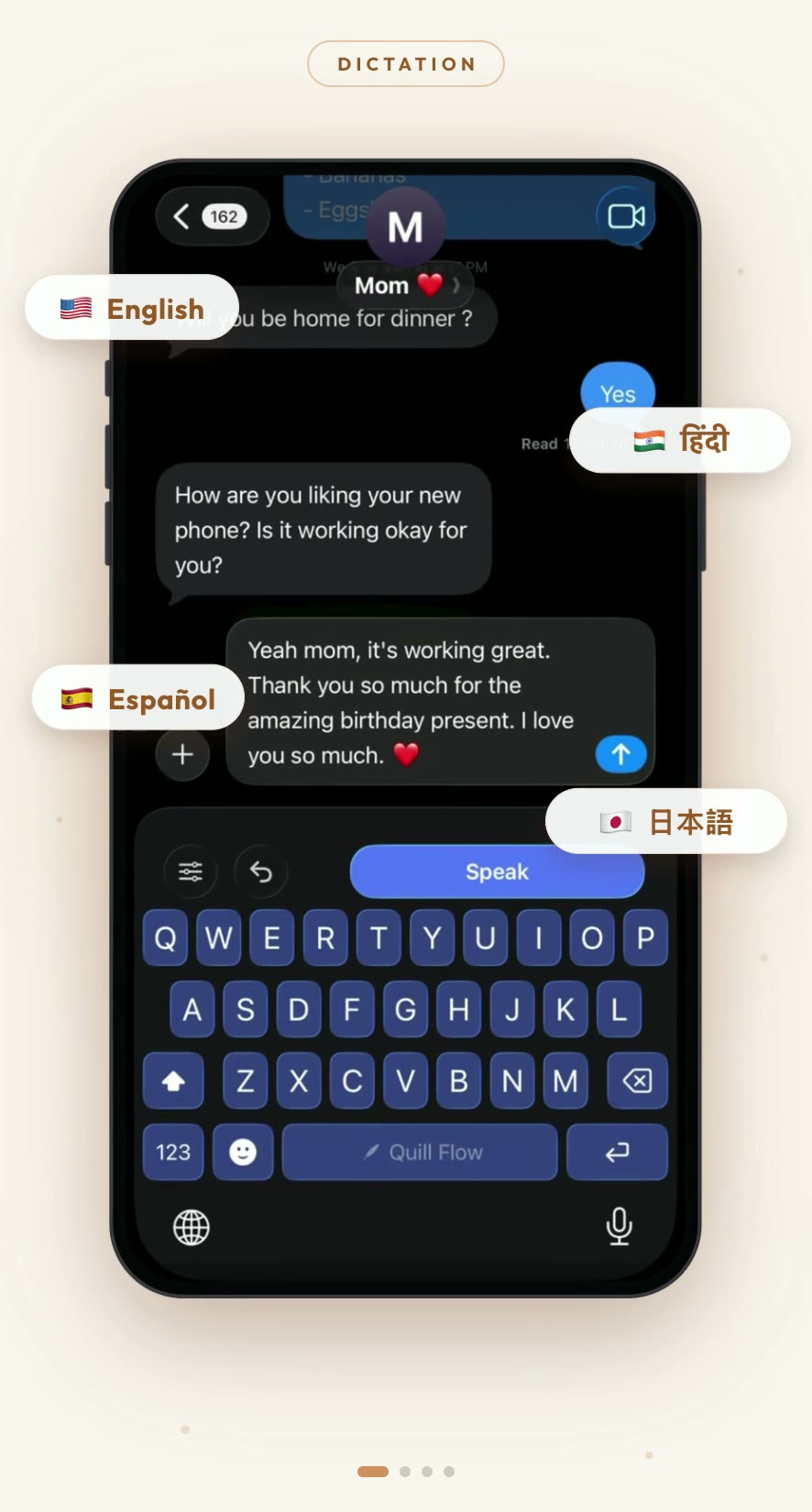
Tap the mic and talk. Punctuation, capitalization, and grammar are applied as the text is written; filler words and false starts never reach the page; Voice Activity Detection trims the pauses so your thinking time does not become whitespace. The keyboard reads which app it is in, so an email is formatted like an email and a chat message is not.
Then, because the transcript is a starting point rather than the product, you can retone it. 19rewrite tones, from Professional and Concise through to Gen Z, Pirate, and Zen. Teach the personal dictionary your colleagues’ names once and it stops mangling them. Ramble into the Notes tab and get a structured note back instead of a wall of text.
The typing half, done properly
Swipe typing runs on a SHARK-squared gesture decoder, which scores candidate words against both the shape you drew and a language model rather than picking whichever keys your finger passed nearest. It works on 17 of the 19 keyboard languages.
Tap typing gets the same treatment. Quill Flow measures where your taps actually land relative to where each key is drawn, learns your personal offset, and shifts the hit test toward the key you meant. Ambiguous taps are arbitrated against a language model before the letter is drawn, which cuts pre-render errors by roughly a quarter for the sloppiest typists. On top of that: missing spaces repaired, so “seeyoutomorrow” comes back as three words; a held backspace that escalates to whole words; an autocorrect that stops offering a fix you have undone twice.
And you can run two typing languages at once, sharing one merged dictionary, so suggestions, autocorrect, and swipe all draw on both inside the same sentence.
The part that only works because it is one keyboard
Here is the thing that does not show up in a feature table. When dictation and typing live in the same keyboard, the handoff costs nothing. You talk for two sentences, then thumb-type the name of the restaurant, then swipe the rest, then tap an emoji from the row that is already on screen. No keyboard switch, no globe key, no losing your place.
That is the actual argument for putting both halves in one product, and it is why bolting a dictation app onto a typing keyboard, or a typing plane onto a dictation app, has never quite felt right. Wispr’s own documentation notes that its keyboard hands you back to the system keyboard for number pads, phone fields, decimal pads, email-address fields, and numbers-and-punctuation fields. Every one of those handoffs is a seam.
Price
Quill Flow Pro is $39.99 a year, about $3 a month, or $4.99 monthly. Wispr Flow Pro is $15 a month, or $143.99 a year. That is roughly five times the price for the dictation half on its own.
SwiftKey is free, and if all you want is gesture typing in English, free is a very good price. The moment you want your voice cleaned up, or your voice in a language that is not English, it stops being an option rather than becoming an expensive one.
Where each of them still wins
Wispr Flow is excellent on desktop, which we do not do at all yet, and its free tier is more generous than ours on mobile: 1,000 words a week on iPhone against our 500. If you dictate on a Mac all day and want one tool across both, it is a reasonable answer and we would not pretend otherwise. Read the full Wispr Flow comparison.
SwiftKey supports five typing languages at once to our two, and it is free forever with no word cap of any kind. Its gesture typing is still good. If you type in four languages and never dictate, it is genuinely the better fit. Read the full SwiftKey comparison.
Both halves, one keyboard
AI dictation in 100+ languages and a real gesture decoder, in the same keyboard, on iPhone and Android. Free to start.
Free to start. No credit card. Works on iPhone and Android.
Frequently Asked Questions
Compare Quill Flow with something else
Claims about Wispr Flow and SwiftKey checked 24 August 2026 against their App Store listings and their own help documentation. Both move; every figure above names where to verify it.