
Press kit
Quill Flow
The AI keyboard for iPhone that types, swipes and takes dictation in 100+ languages, then writes what you meant. Screenshots, framed iPhones, the icon, our mascot and the facts are all here, and all in one download.
Fact sheet
- Developer
- Flow Studios
- Launched
- April 2026
- Platforms
- iPhone, iPad, iPhone Duo, Android
- Requires
- iOS 18.4 or later
- Price
- Free to try, Pro from $44.99 a year
- Dictation
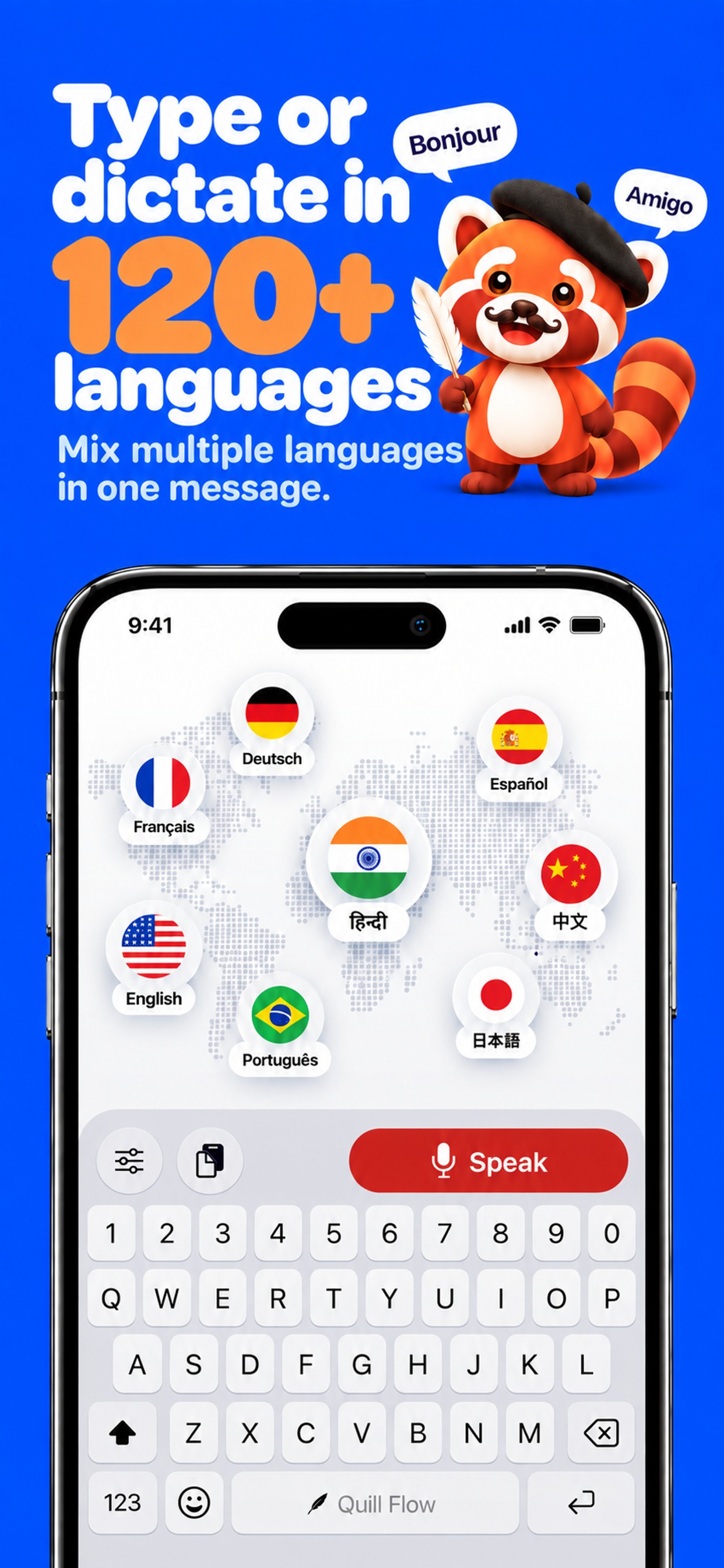
- 100+ languages, mixed in one sentence
- Rating
- 4.6 on the App Store
- Press contact
- hello@quillflow.app
Quill Flow Pro (US): $44.99 a year with a free trial, $7.99 a month, or $79.99 once for Lifetime.
Why we built it
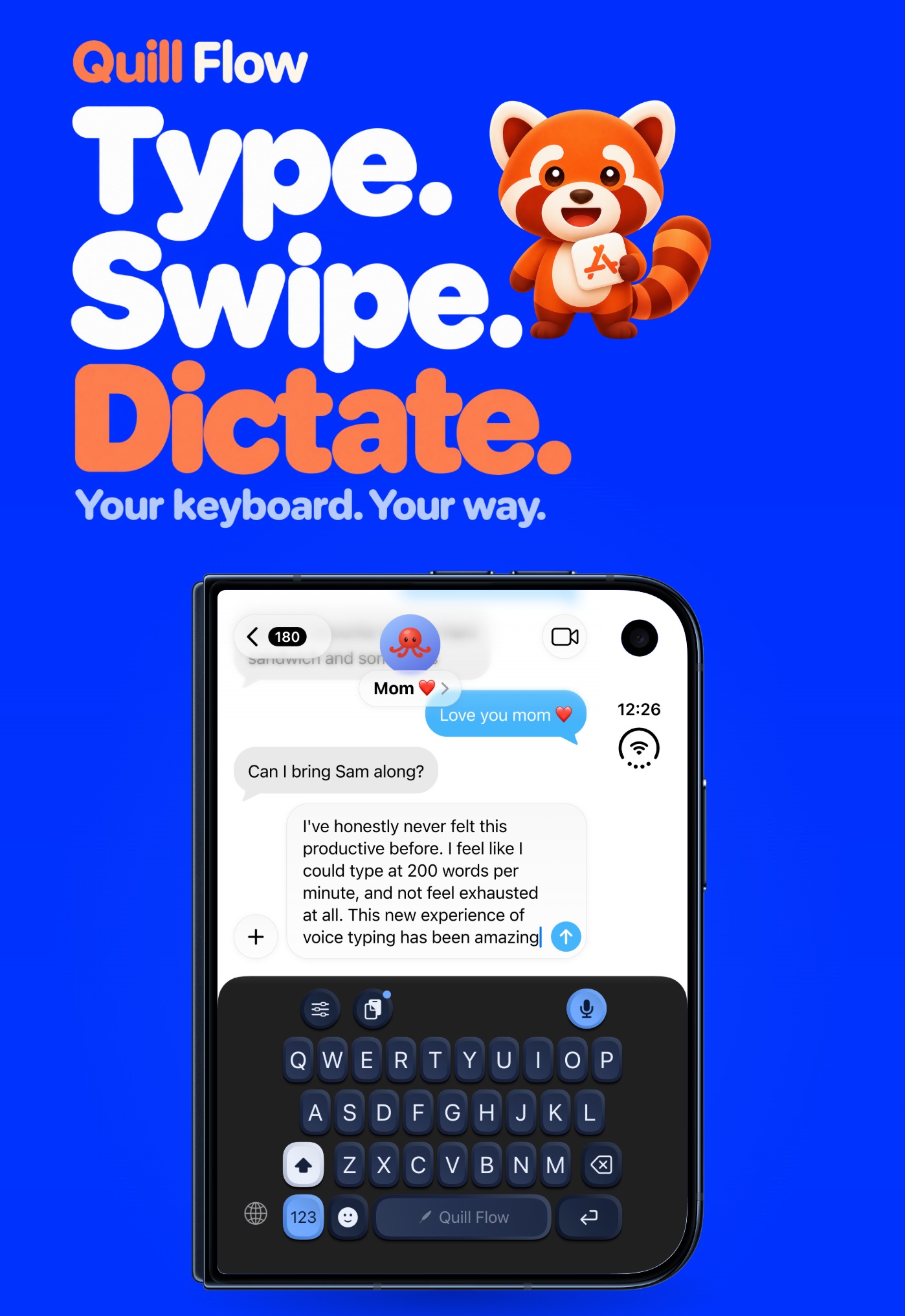
Most voice typing on the iPhone is a microphone bolted onto someone else’s keyboard, or a separate app you copy text out of. We wanted one keyboard that does all three: type, swipe and talk, in every app, without switching anything.
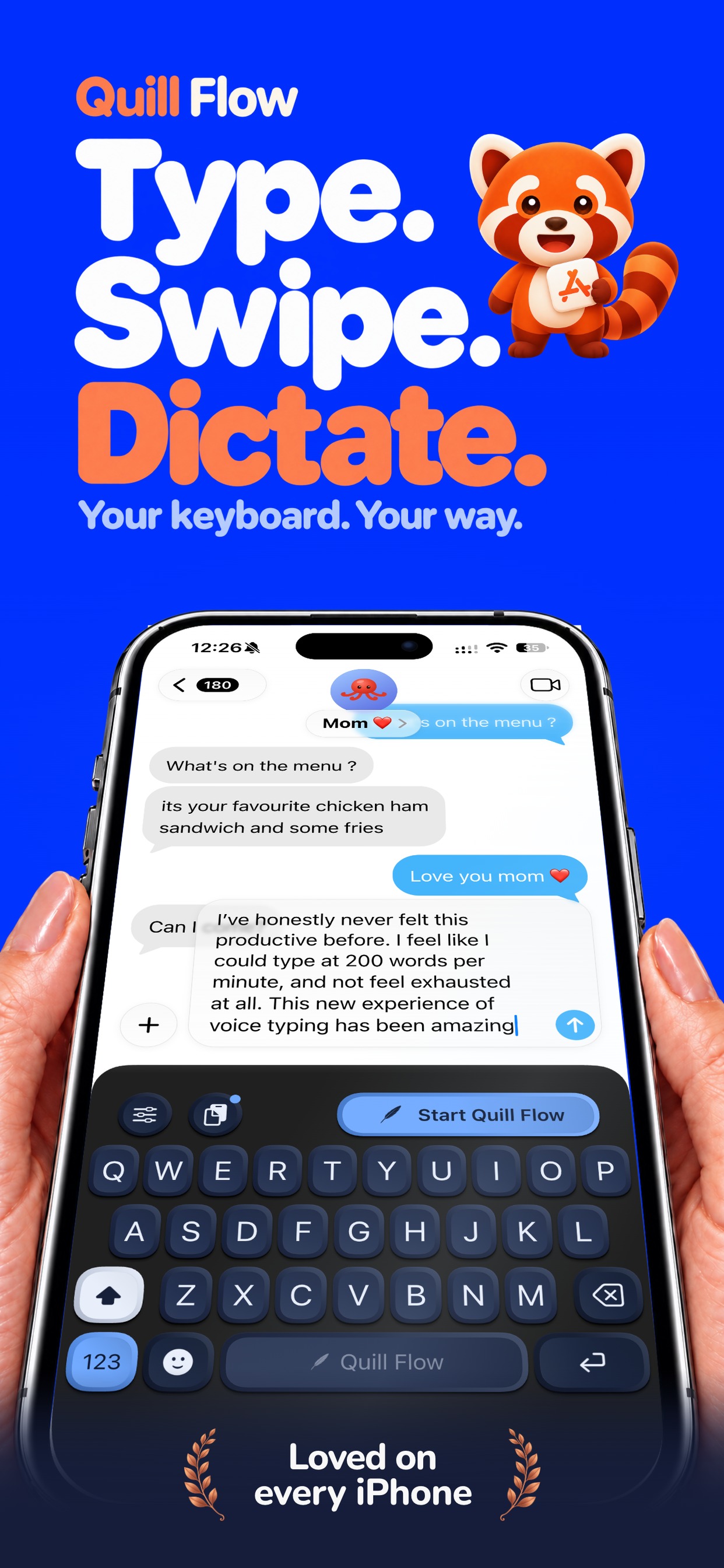
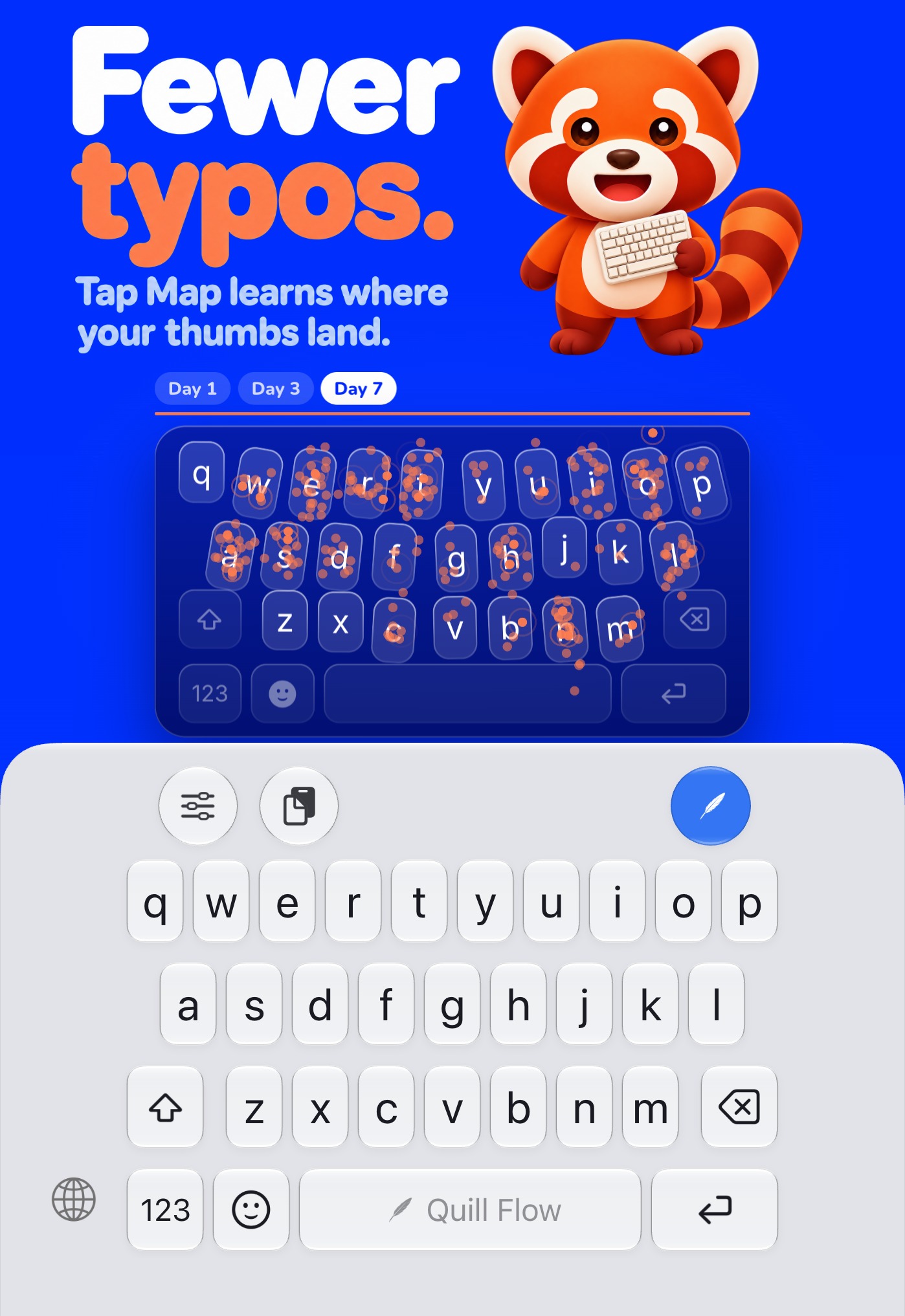
So Quill Flow is the whole keyboard. Talk the way you actually talk, with ums, restarts and two languages in one sentence, and it writes what you meant: punctuated, formatted and in the tone you pick. When you would rather type, Tap Map learns where your thumbs land and swipe typing is built in.
“We started building this because talking should be the fastest way to write, and what comes out should read like your best writing.”
What makes it different
One keyboard, three ways to write
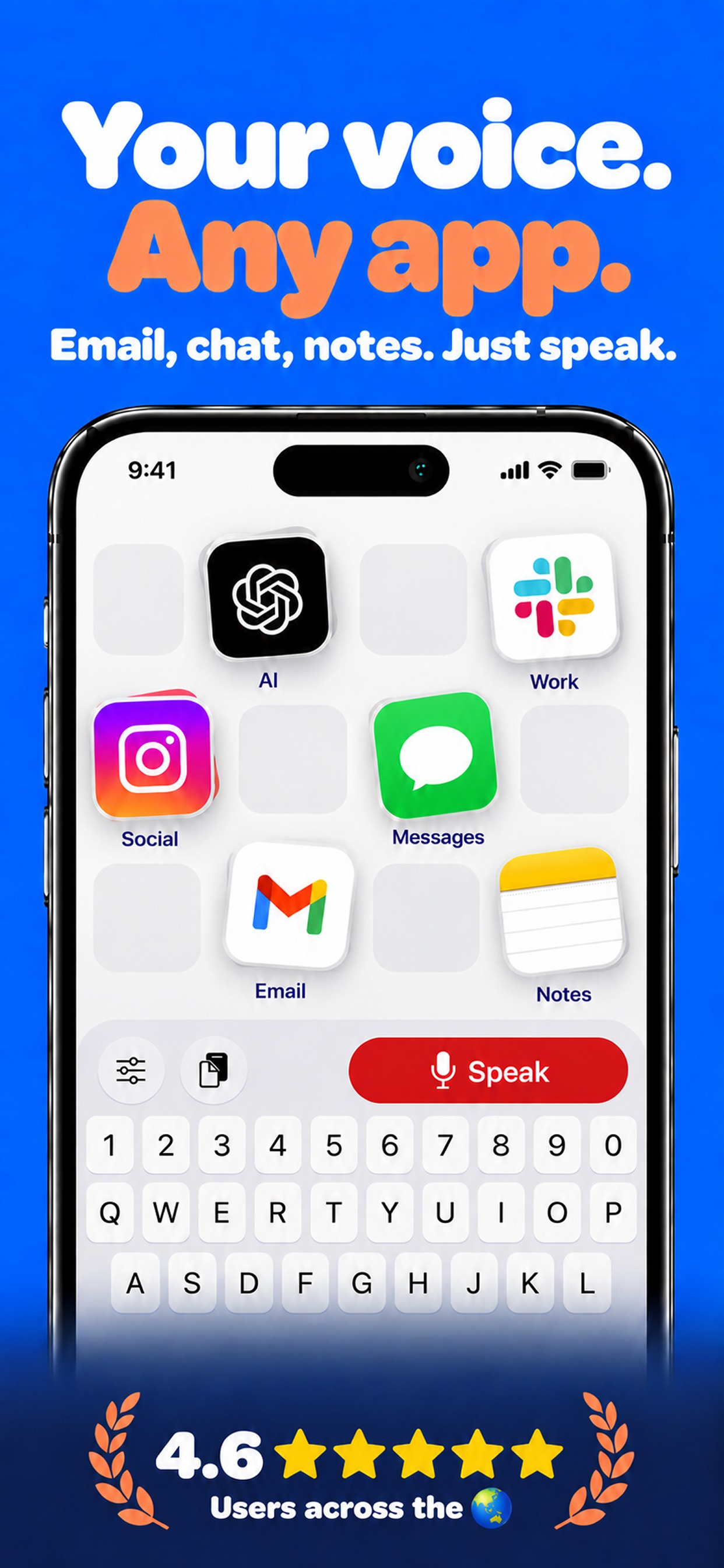
Typing, swipe typing and dictation live in the same keyboard, in every app. No second app, no copy and paste.
It writes what you meant
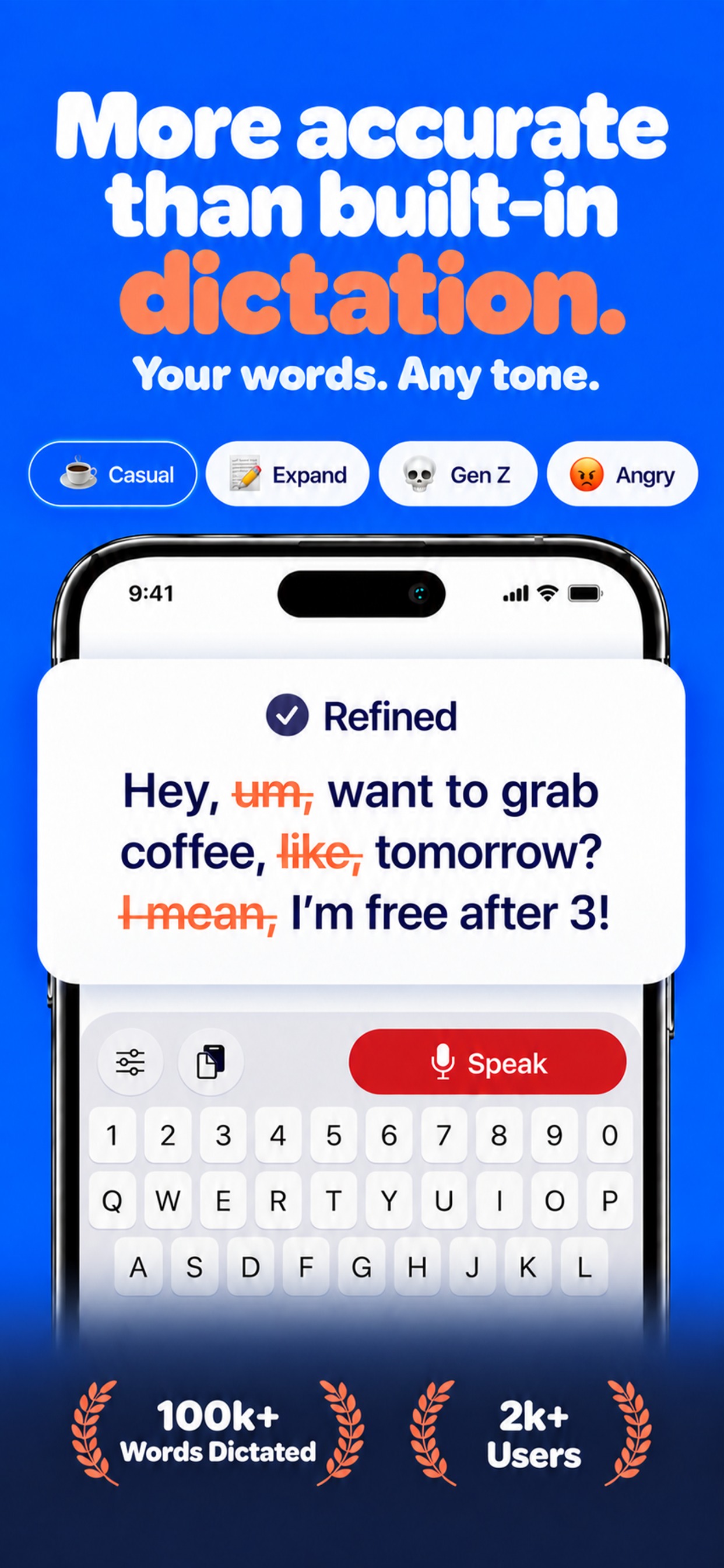
AI cleanup takes out the ums and false starts, adds punctuation and turns spoken lists into lists, in the tone you pick or one you make.
It speaks the way people speak
Dictation in more than 100 languages, and you can switch between them inside a sentence. Hindi and English together just works.
Fewer typos over time
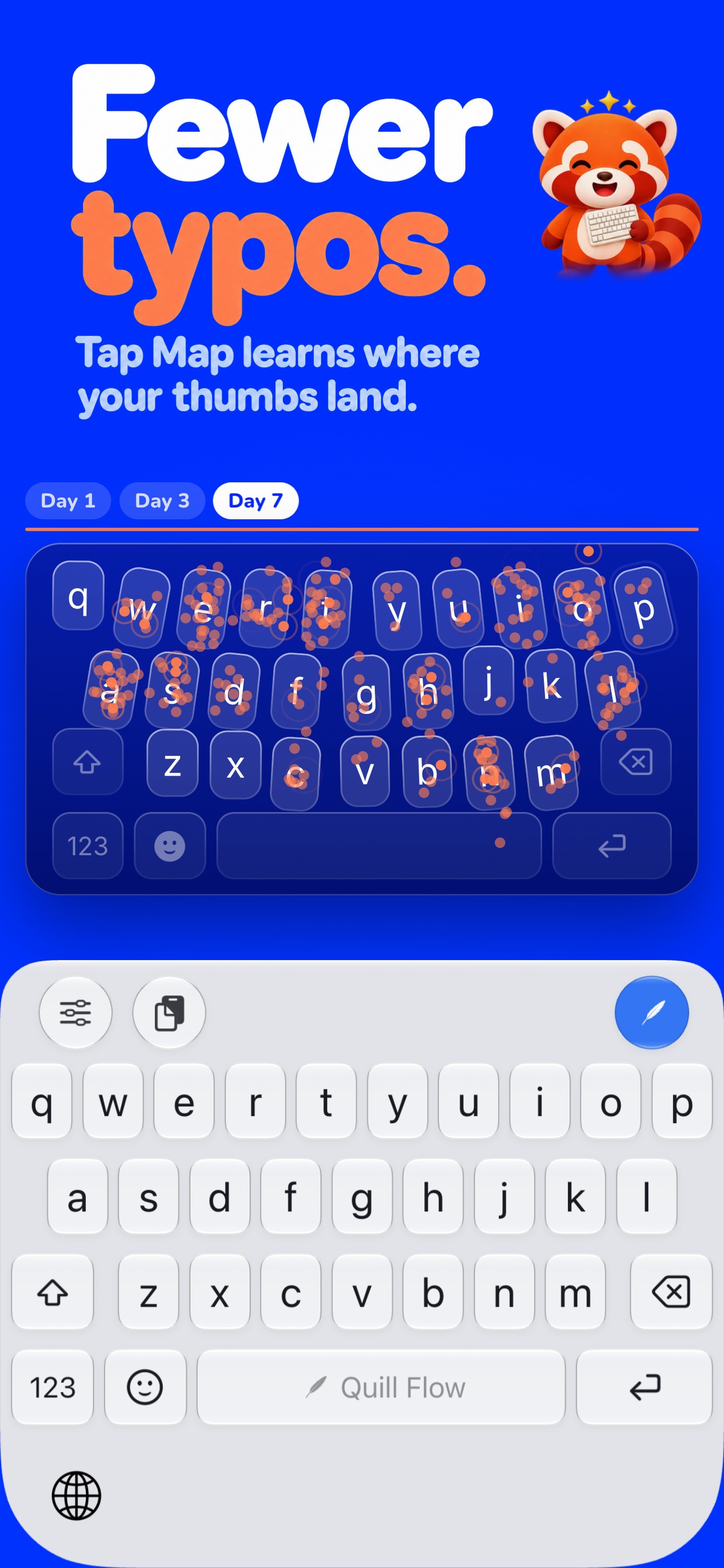
Tap Map learns where your thumbs actually land and quietly fixes the near misses.
Yours to style
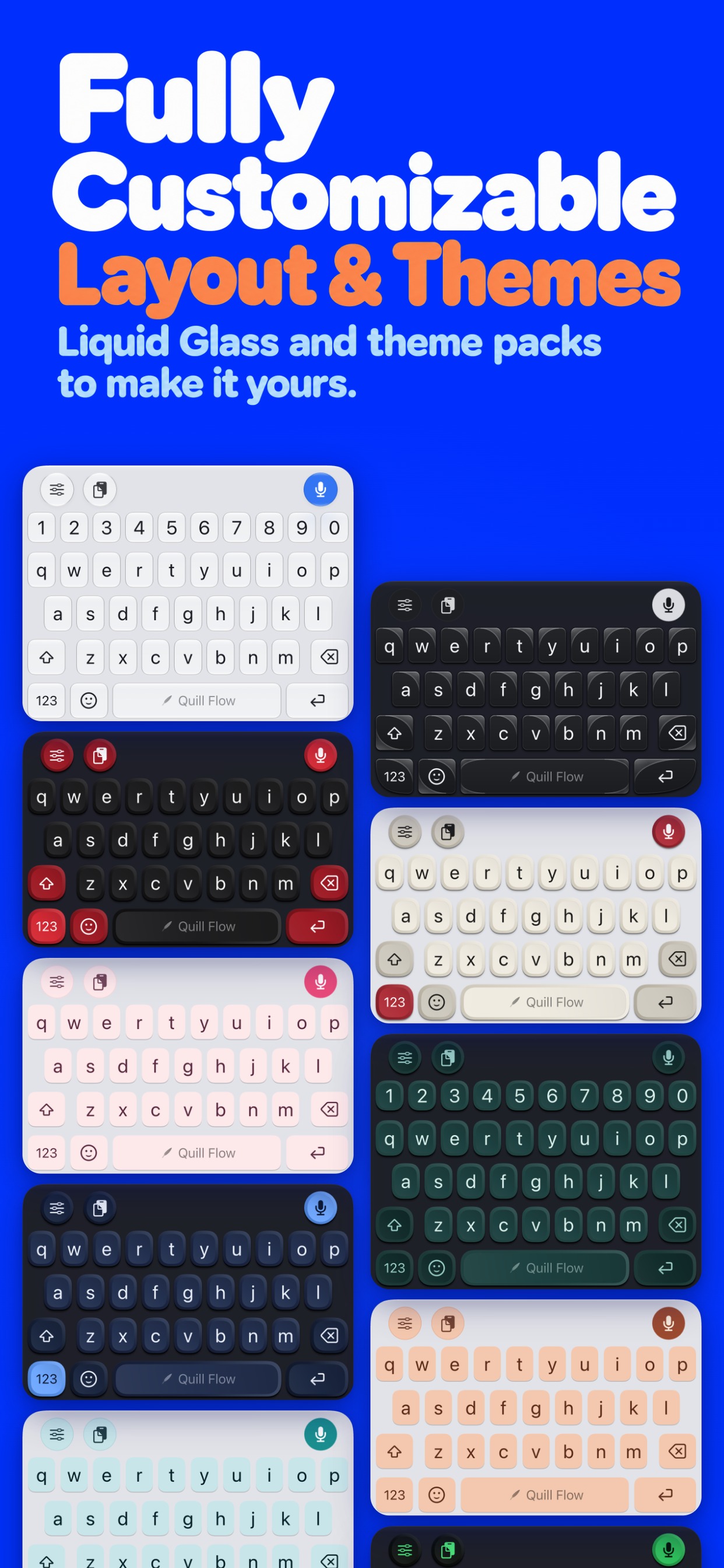
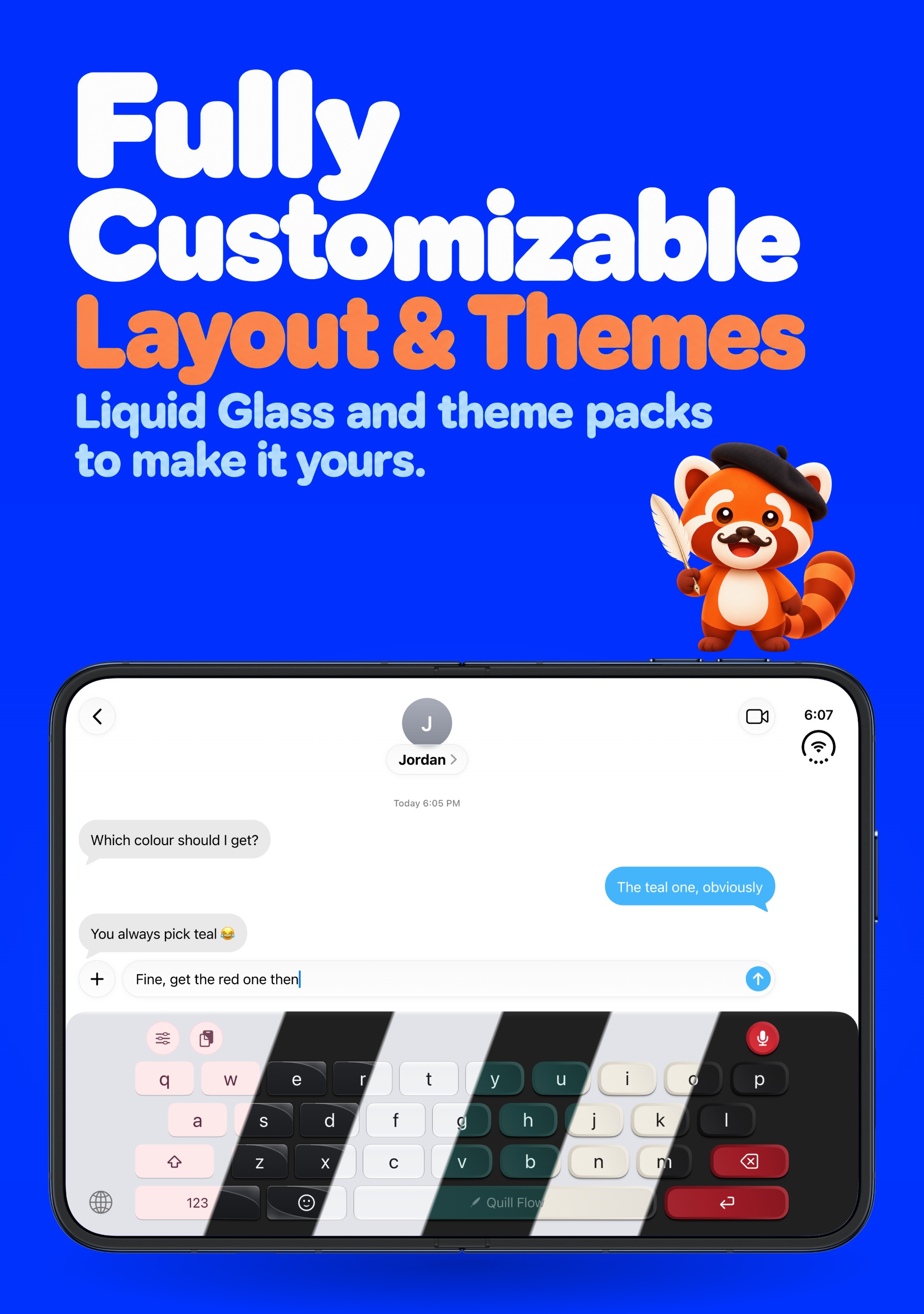
Liquid Glass, mechanical keycaps, fonts, layouts, a number row, key sounds and haptics.
Ask Quill
Tell Quill, the red panda in the app, what you want. “Make the keys bigger” or “why isn’t dictation working?” and it does it or explains it.
Built for iPhone Duo
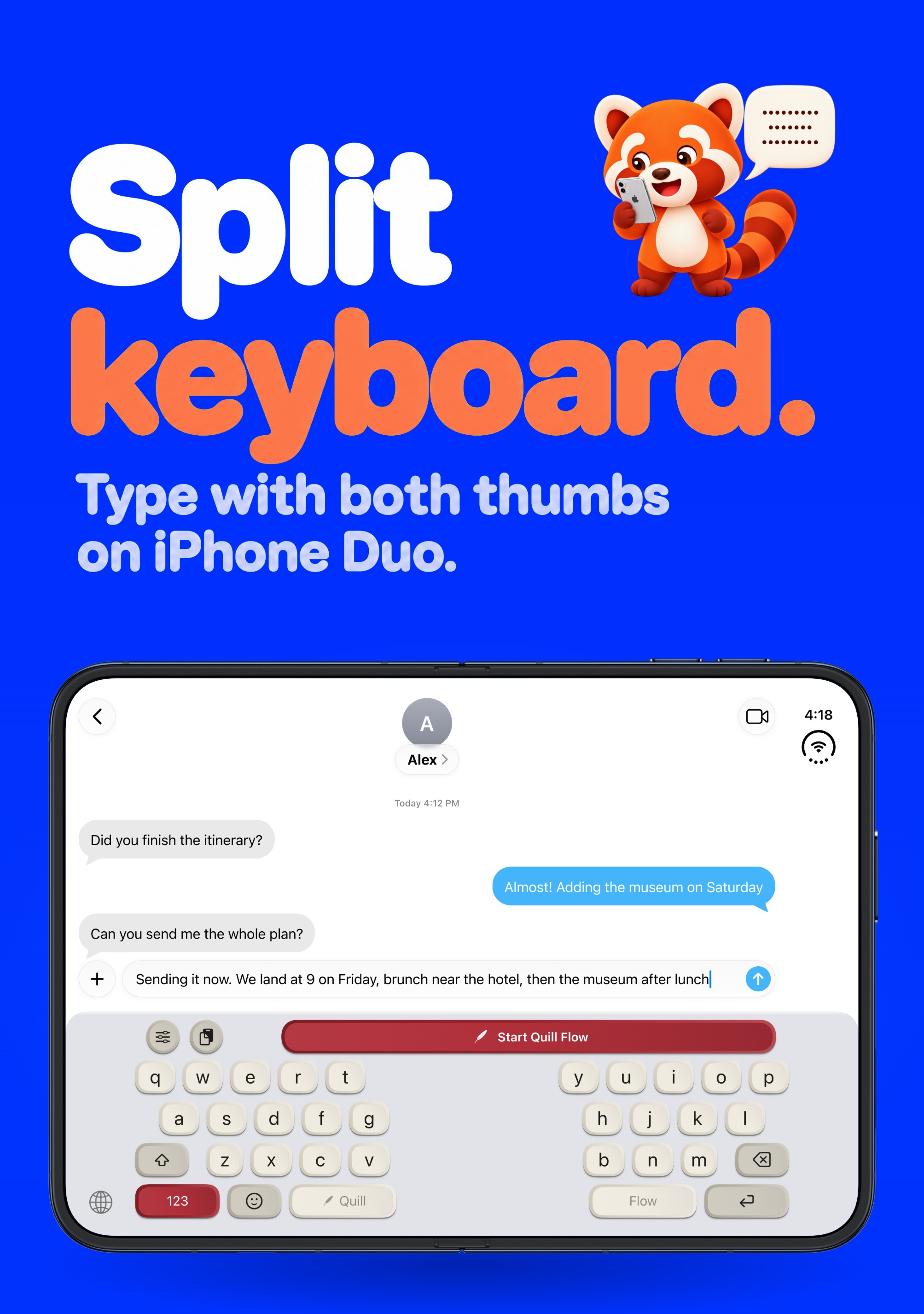
Type on the outer screen or the inner display, with a split keyboard for both thumbs when it is open.
Notes and Whisper Mode
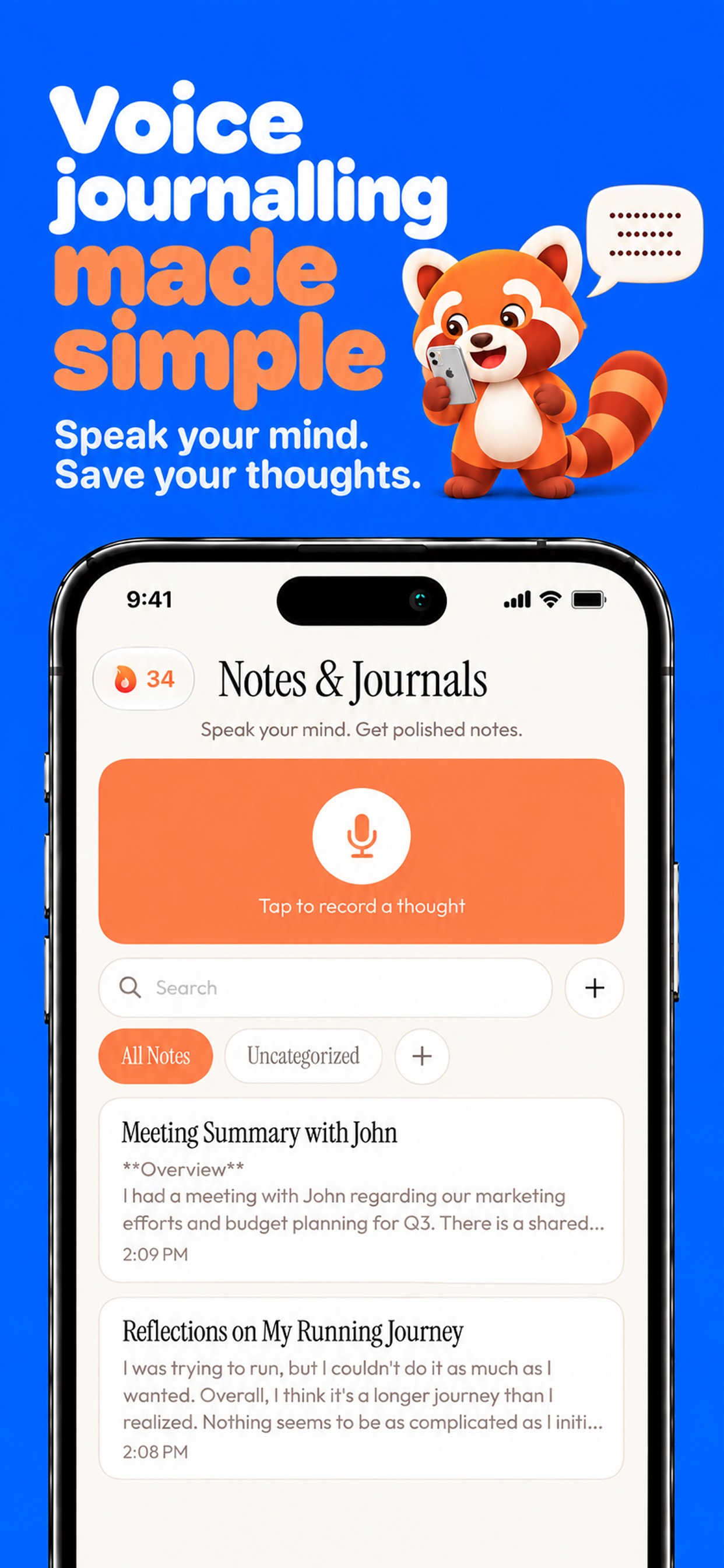
Brain-dump into the Notes tab and get structured text back. Dictate quietly when you can’t talk out loud.
Framed iPhone screenshots
iPhone 17 Pro frames on a transparent background, ready to drop into a post or an article.
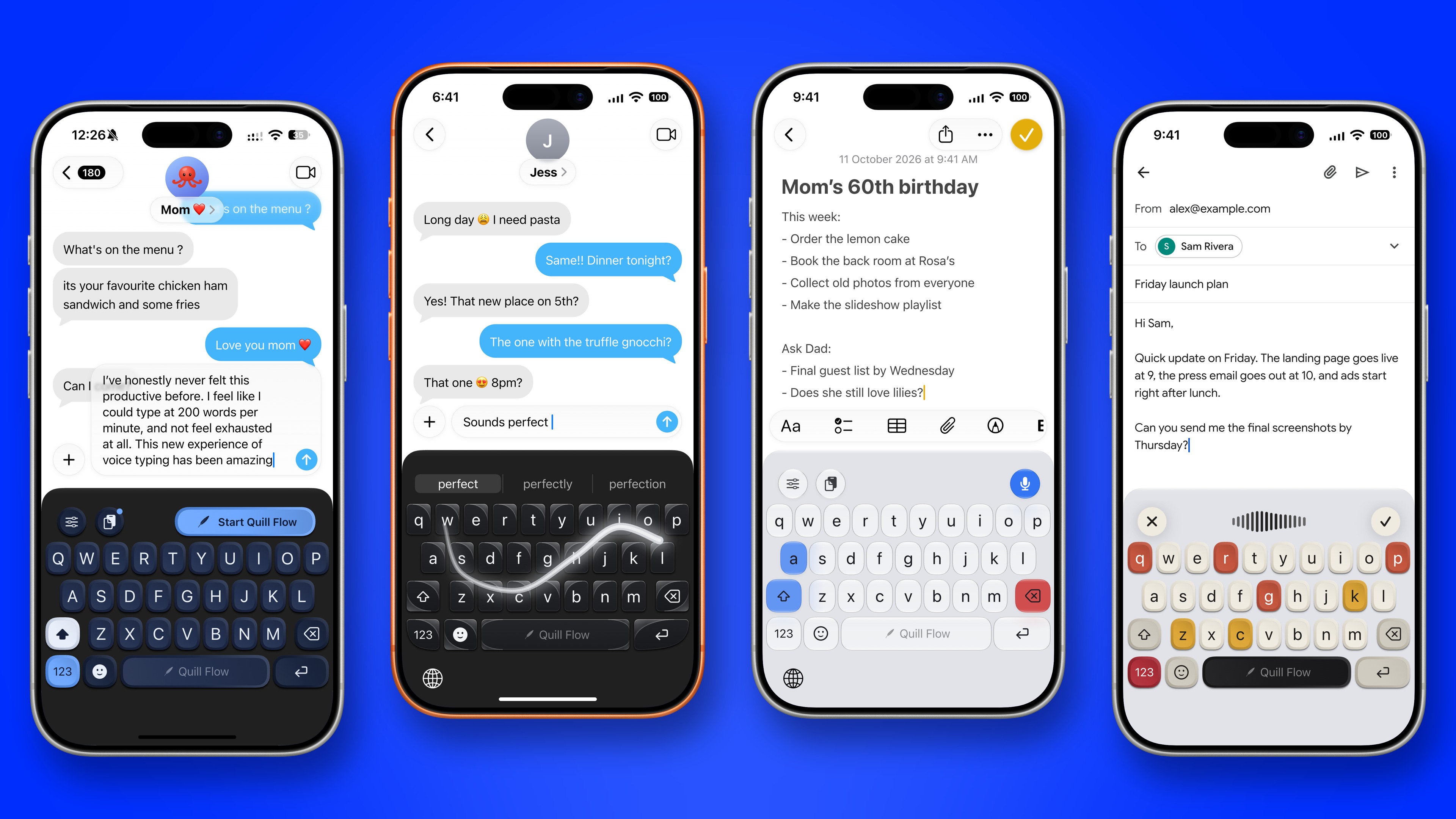
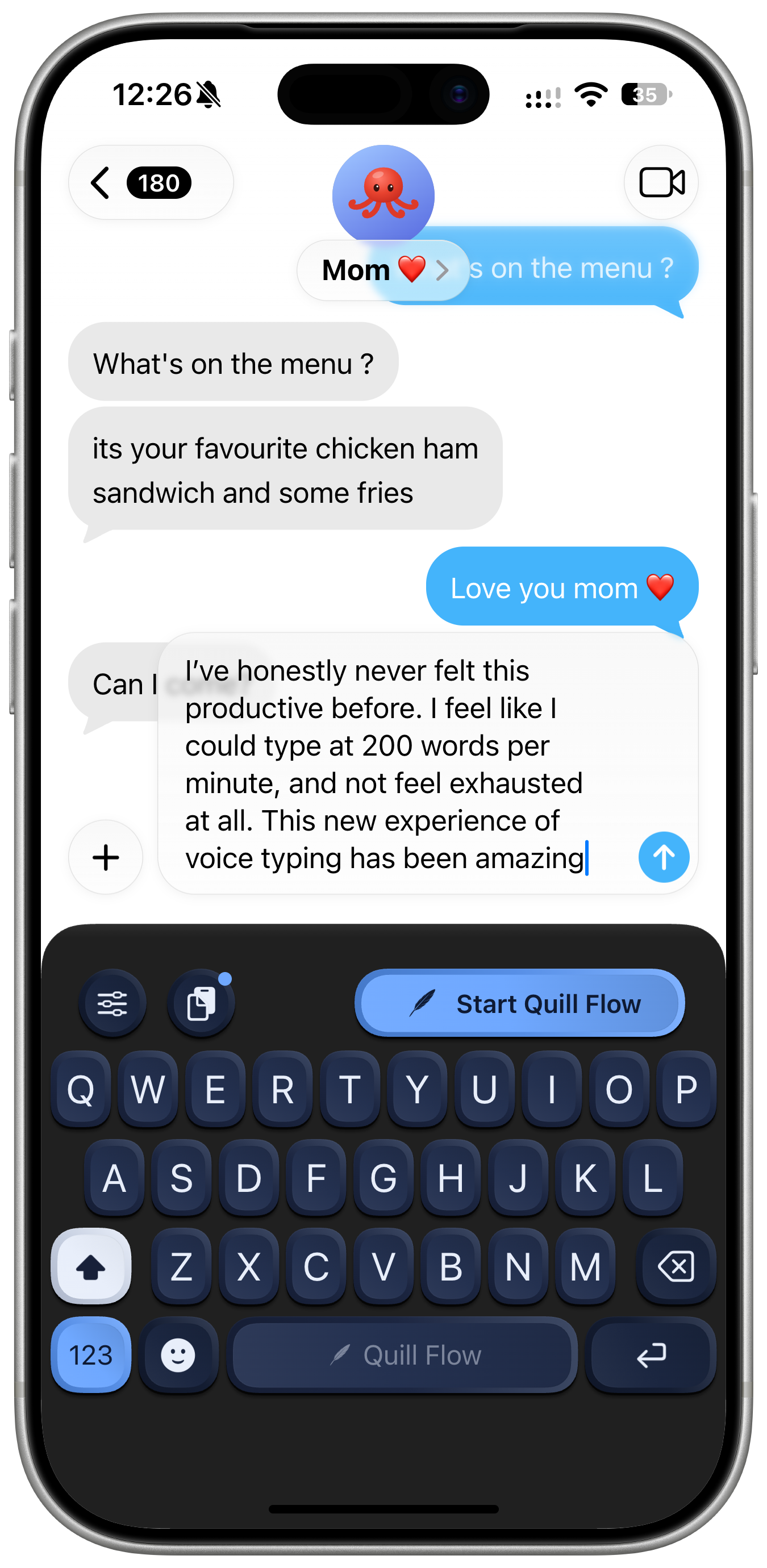
Dictating in Messages
A spoken reply, cleaned up as it lands. Mechanical Navy.
PNG, transparent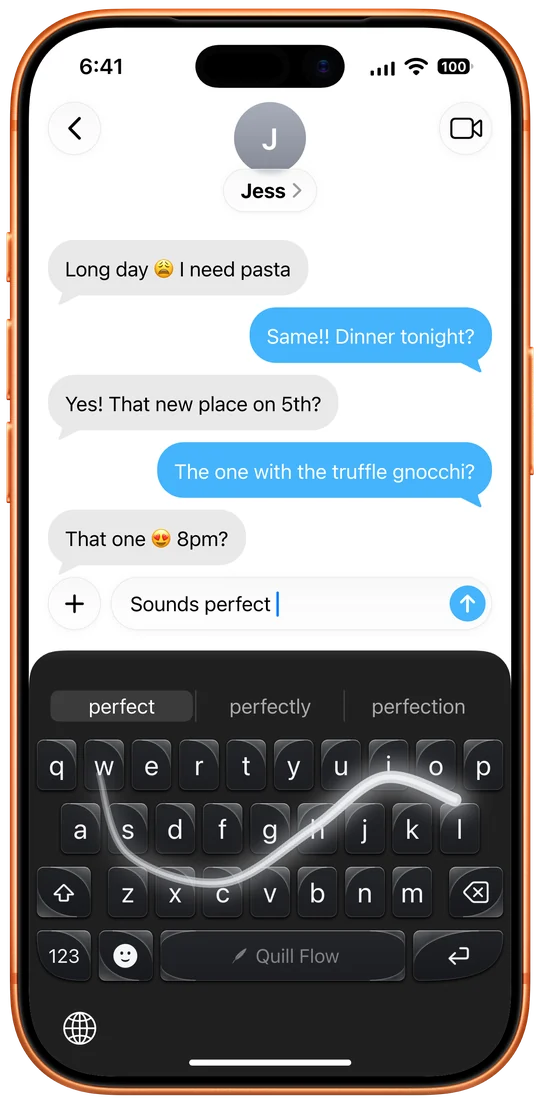
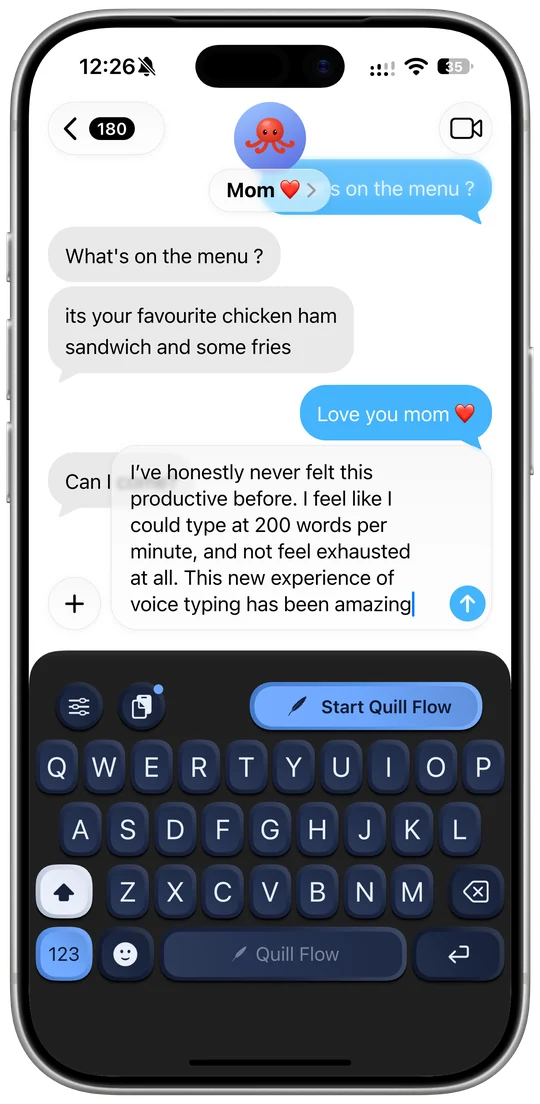
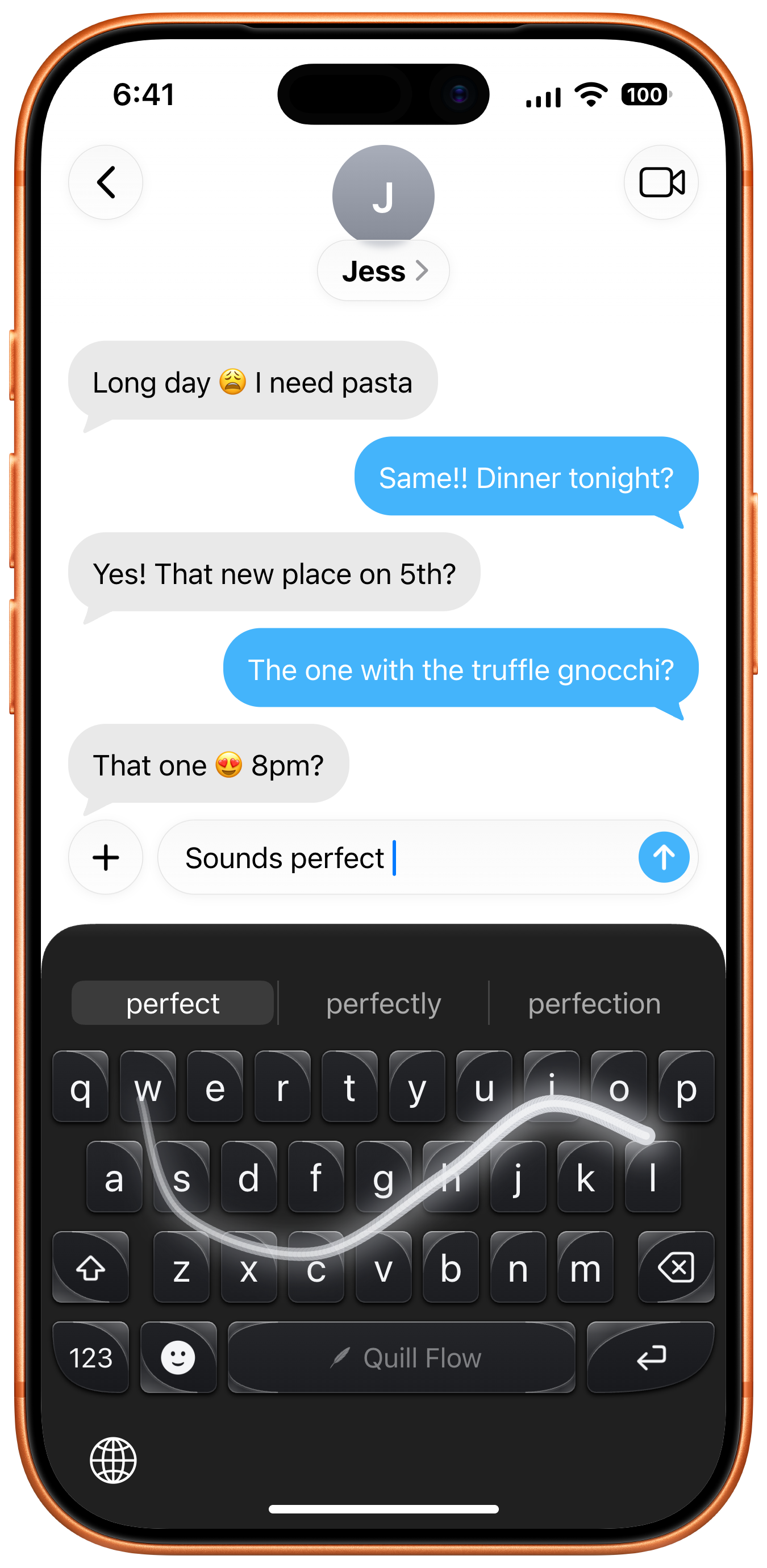
Swipe typing
Draw the word, pick a suggestion. Bold.
PNG, transparent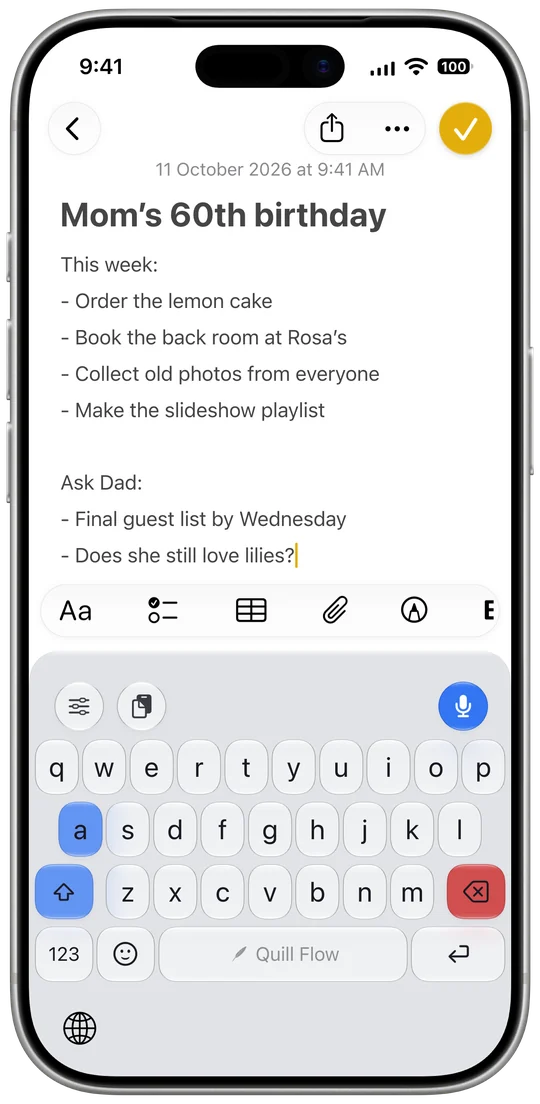
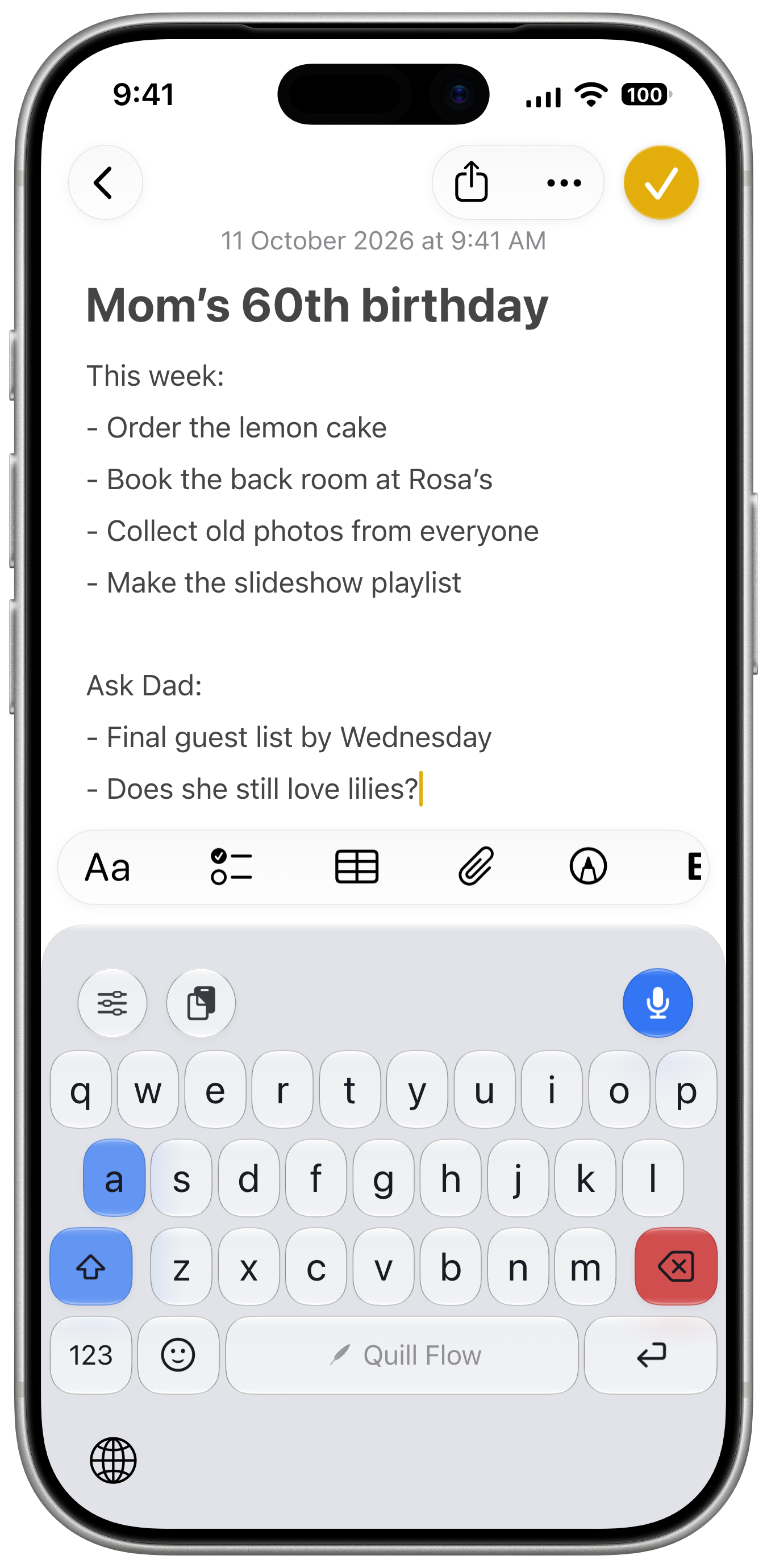
A list in Notes
Spoken lists come out as lists. Liquid Glass.
PNG, transparent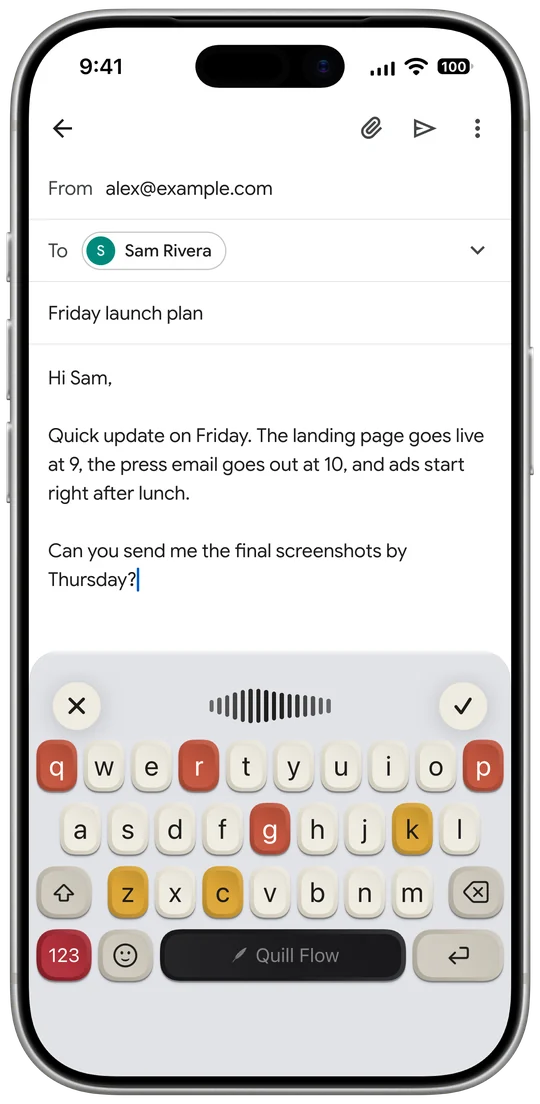
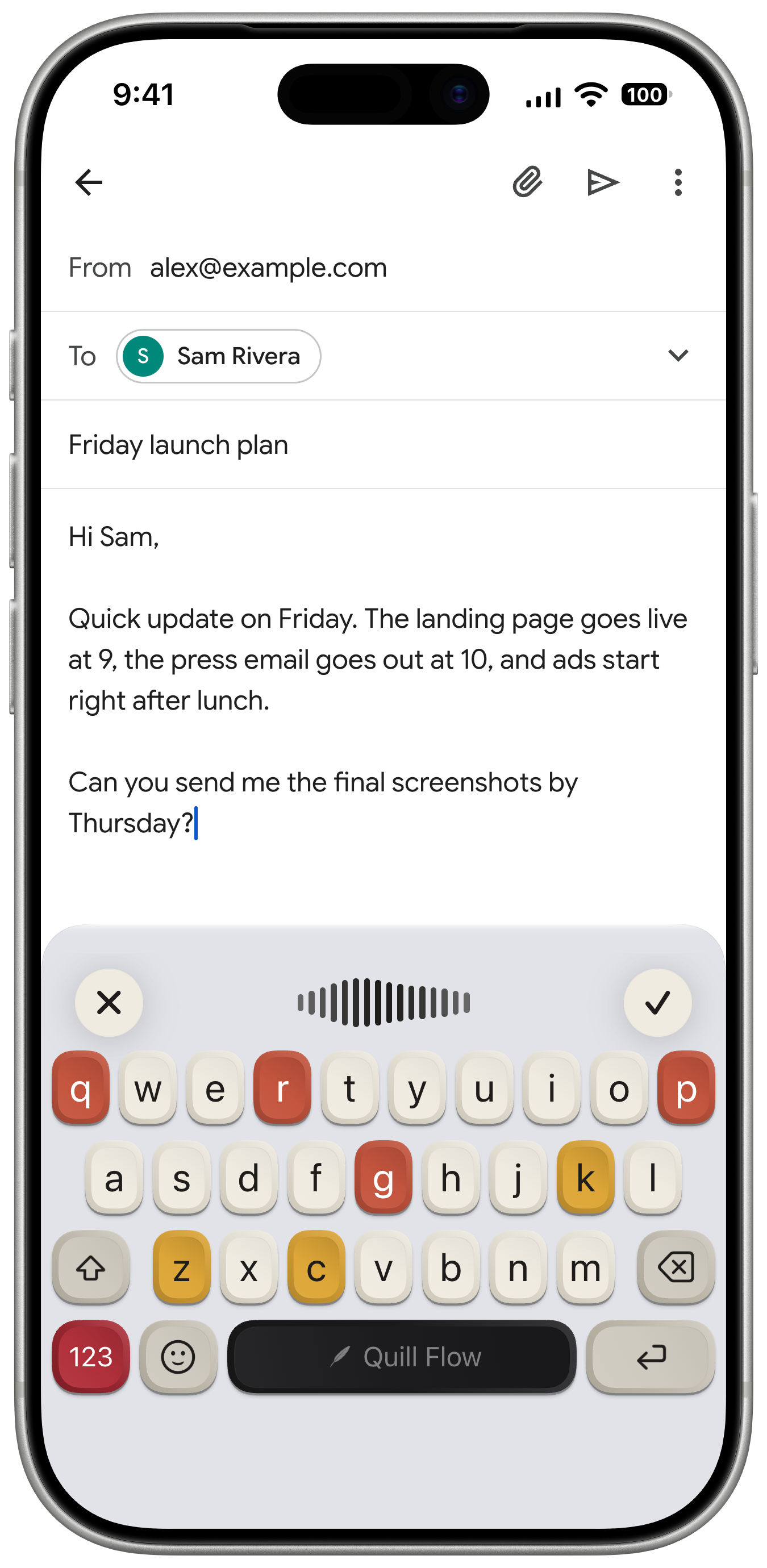
Dictating an email
Live dictation in Gmail. Retro mechanical keycaps.
PNG, transparentApp Store screenshots
The set on our App Store page today, 1242 × 2688.
iPhone Duo screenshots
Quill Flow on the outer screen and the inner display.
Banner, icon and mascot
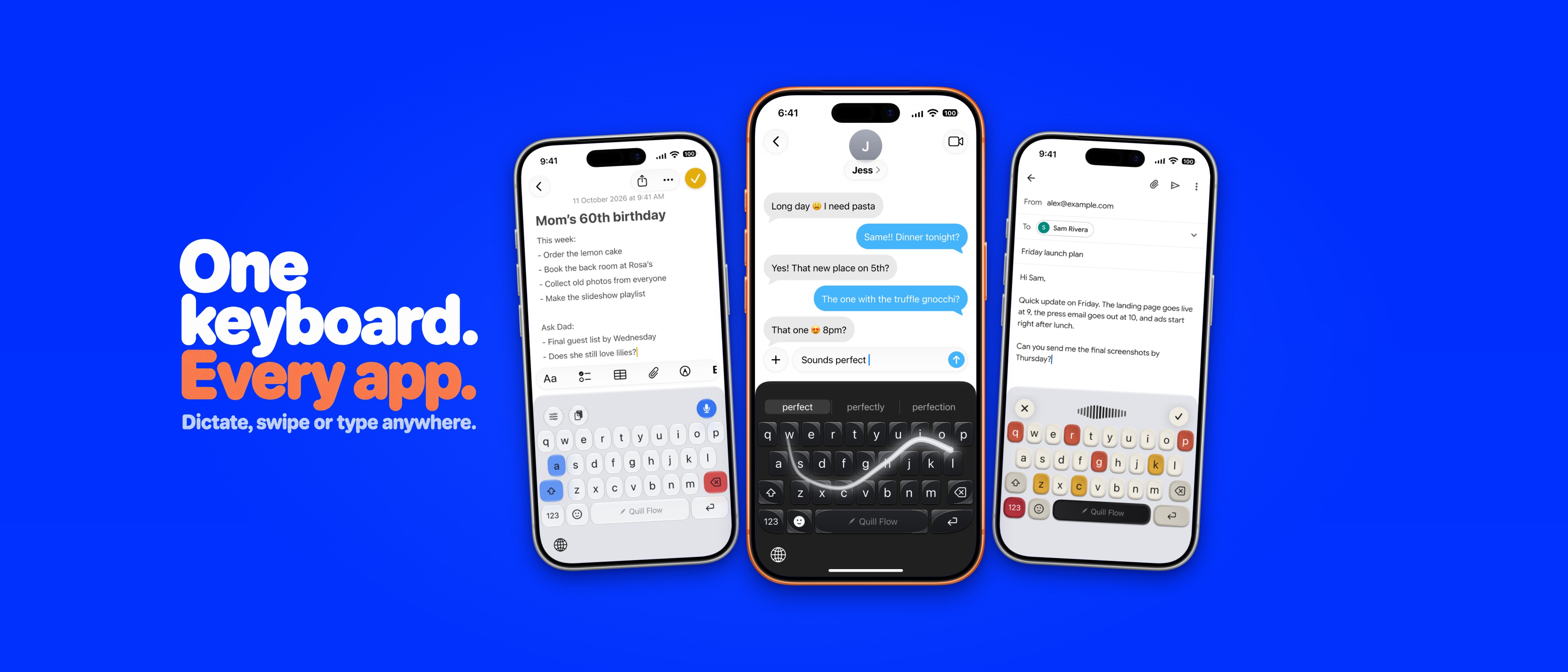







Quill, the red panda, is our mascot. The square and dark icons are in the zip too.
Descriptions
Use these as they are or cut them down.
One line
Quill Flow is an iPhone keyboard that lets you type, swipe or talk in any app, and turns what you say into clean, polished writing.
Short, about 50 words
Quill Flow replaces your iPhone keyboard with one that types, swipes and takes dictation in every app. Speak naturally, ums and all, and it writes clean, punctuated text in your tone. It handles 100+ languages, even mixed in one sentence, learns where your thumbs land, and looks however you want.
Long, about 150 words
Most voice typing is a microphone bolted onto someone else’s keyboard, or a separate app you copy text out of. Quill Flow is the whole keyboard. Type, swipe or talk in Messages, Mail, Notes, WhatsApp, Slack or any app with a text field, and switch between them mid-sentence. When you talk, Quill Flow’s AI takes out the ums and false starts, adds the punctuation, turns spoken lists into bullet points and matches the tone you pick, from Casual to Professional. You can speak in more than 100 languages and mix them freely. When you type, Tap Map learns where your thumbs actually land and quietly fixes the near misses. And it is yours to style: Liquid Glass, mechanical keycaps, fonts, layouts, key sounds and haptics. Ask Quill, the red panda in the app, changes any setting for you when you ask in plain words. Free to try on iPhone, iPad, iPhone Duo and Android.
Press contact
Reviewing Quill Flow?
Write to us and we’ll send a code for a free year of Pro, answer anything, or make an asset that isn’t here. You’re welcome to use everything on this page in coverage of Quill Flow. The iPhone frames are Apple’s product bezels.